September 29, 2024 5 min read
If your pet photographs are scattered across a camera roll, old phones, WhatsApp chats and several relatives who insist they will send them later, National Pet Day is a reasonable excuse to gather the best ones into one place. You do not need to catalogue every blurry tail. The goal is a small, organised archive that preserves the photographs you would be upset to lose and makes the strongest images easier to find.
This is a practical pet photo organising project: where to look, which files to keep, how to reduce duplicates and how to create a useful shortlist for printing or a future custom pet portrait.
Start by checking the obvious places:
Do not move or delete anything yet. First identify where the useful originals live. Human attempts at โtidyingโ become much less charming when the only high-resolution copy disappears during the process.
A simple structure is enough. Create a master folder using the pet's name, then subfolders by year or broad life stage if you have a large archive.
For example, you might use โPuppyโ, โAdultโ, โSeniorโ or straightforward year folders. Choose the system you will actually maintain rather than designing a museum archive that requires a curator.
When the same photograph exists as both an original camera image and a compressed copy from a message or social platform, keep the original. It usually contains more detail and gives you more room to crop later.
If an important photograph only exists as a screenshot or messaging-app image, keep it anyway. Our guide to screenshots and WhatsApp pet photos explains how lower-resolution images can be assessed if you later want to use one as a portrait reference.
You can delete genuinely identical copies once you are certain a better original is safely stored. Be slower with burst photos and near-duplicates. Tiny changes in expression can matter more than they appear to at thumbnail size.
Before deleting a sequence, open the photographs full-screen and compare the eyes, ears, mouth, focus and motion blur. Keep the version that best captures the animal, plus another if it shows useful markings or a different expression.
Create a separate favourites folder containing a manageable selection. A useful set might include:
This shortlist is more useful than repeatedly scrolling through several thousand images while muttering โit was definitely around 2023โ.
Some images become more meaningful when you know the story. If your photo system allows captions, notes or filenames, record the detail you are likely to forget: first day home, a particular holiday, favourite walk, old house, birthday, recovery after adoption or simply the name of the toy that appears in every photograph.
You do not need to annotate everything. Add context where the story matters.
Family members often hold entirely different photographs of the same pet. Ask for their favourite few rather than requesting their complete camera roll, which is how simple projects become data-migration programmes.
Where possible, ask them to send the original file or use a method that does not unnecessarily compress the image.
If you have several animals, keep individual folders as well as a shared group folder. This makes it easier to find clear references for each pet without losing photographs that document them together.
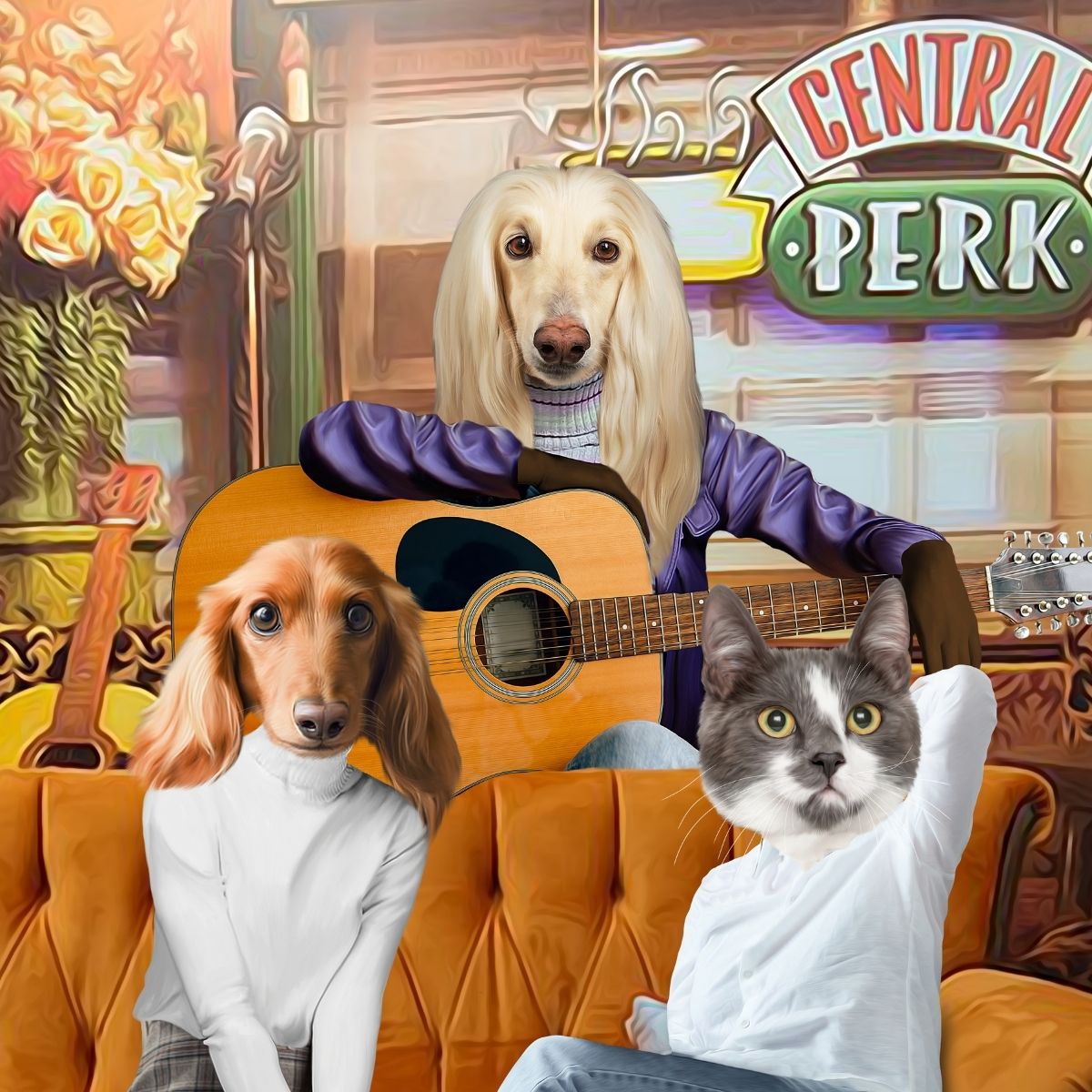
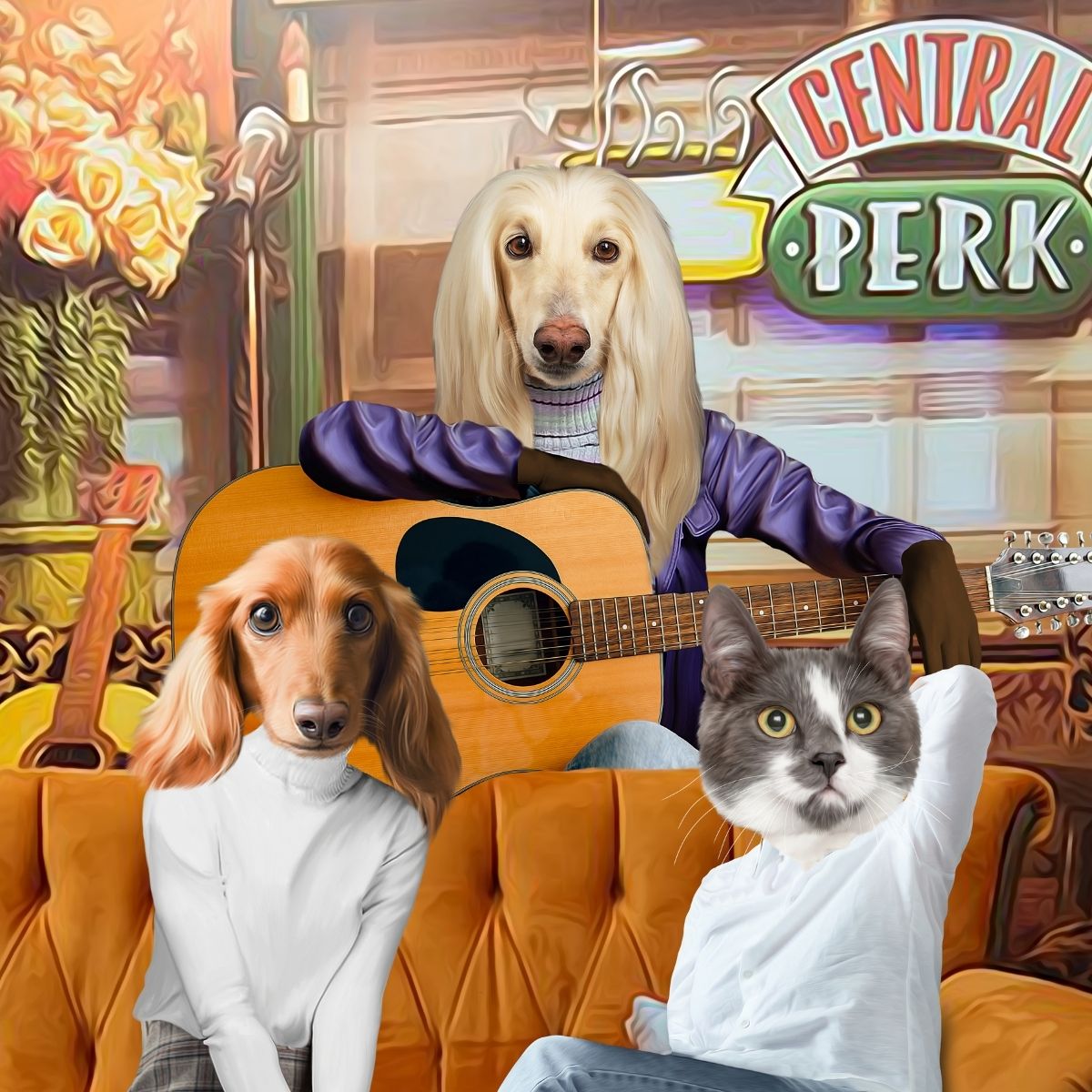
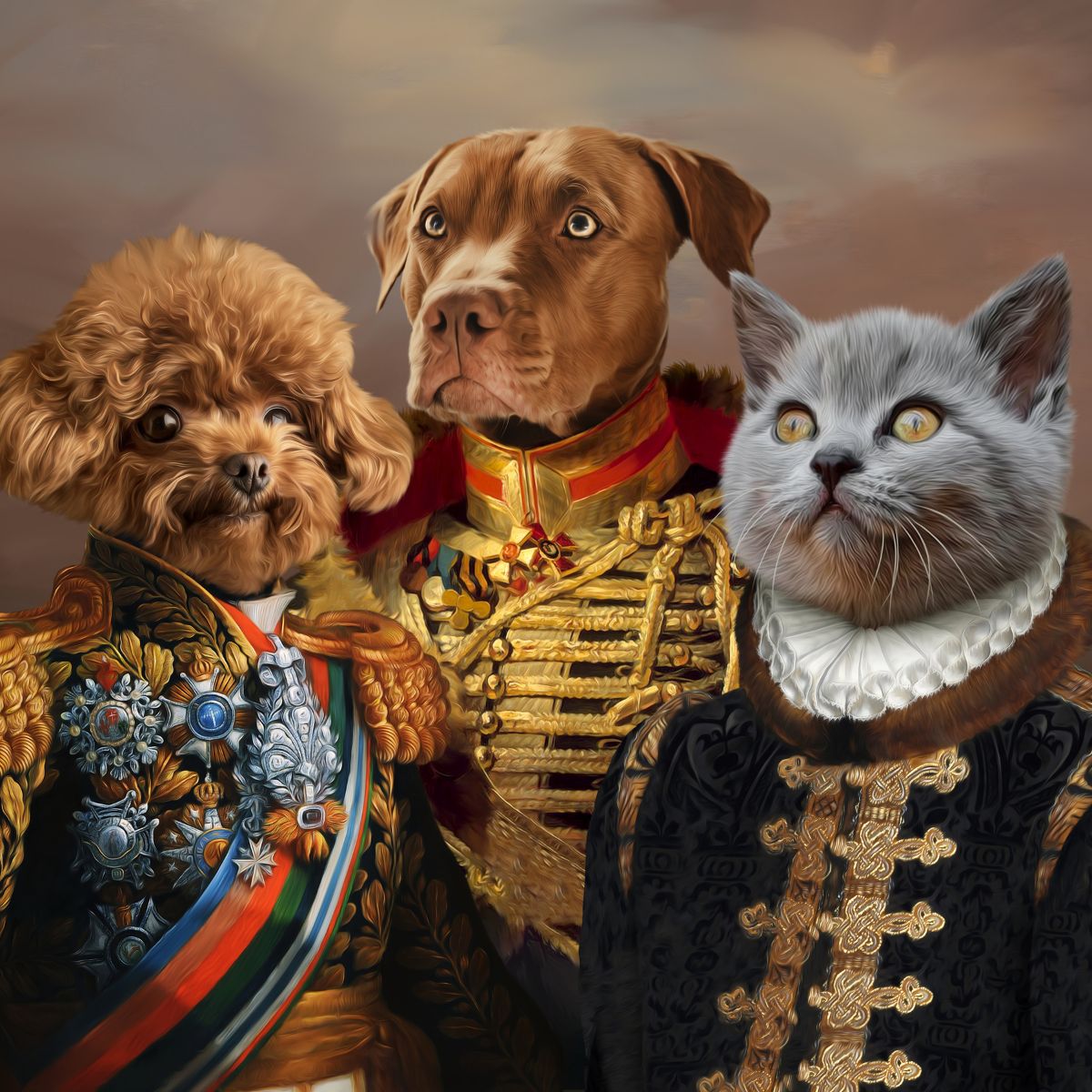
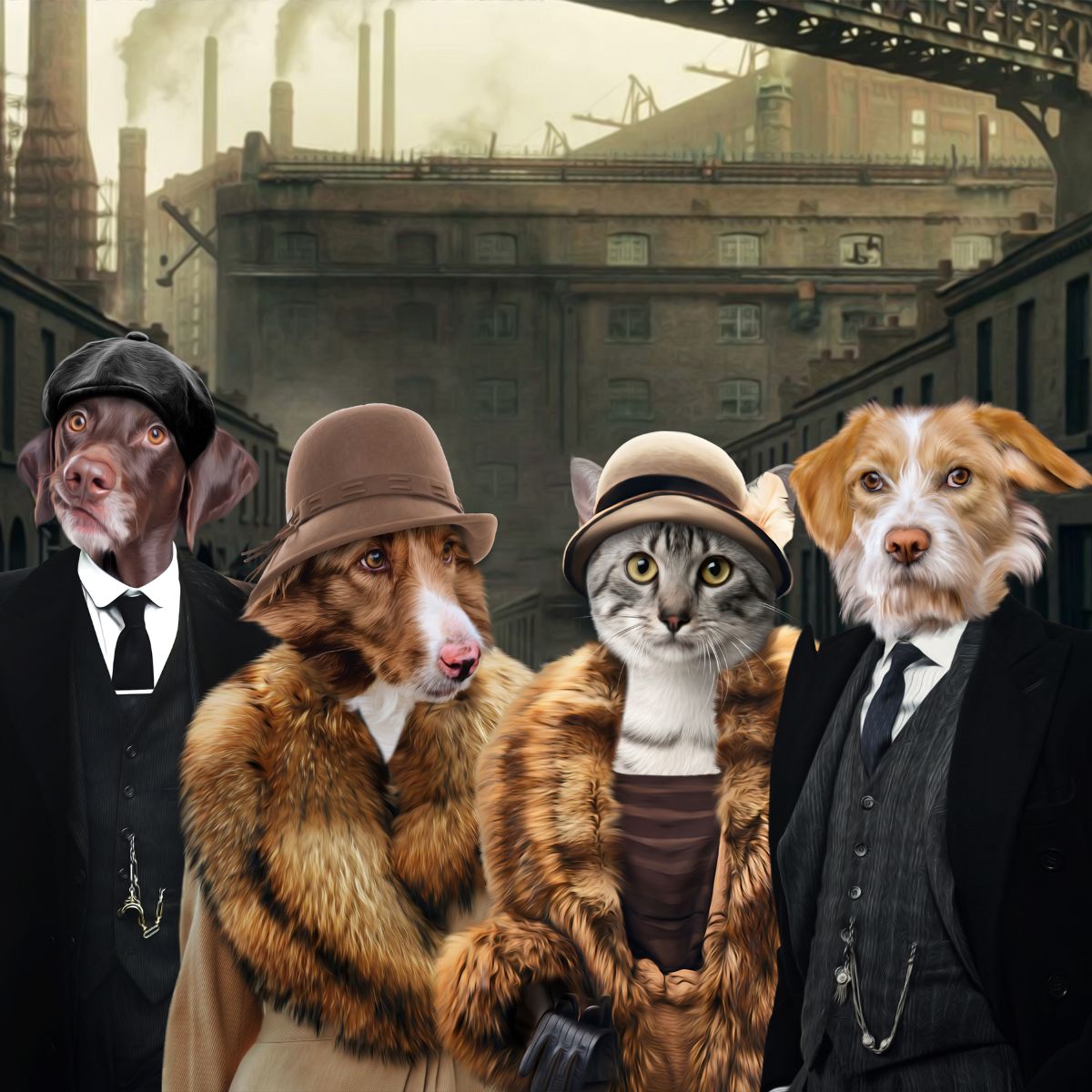
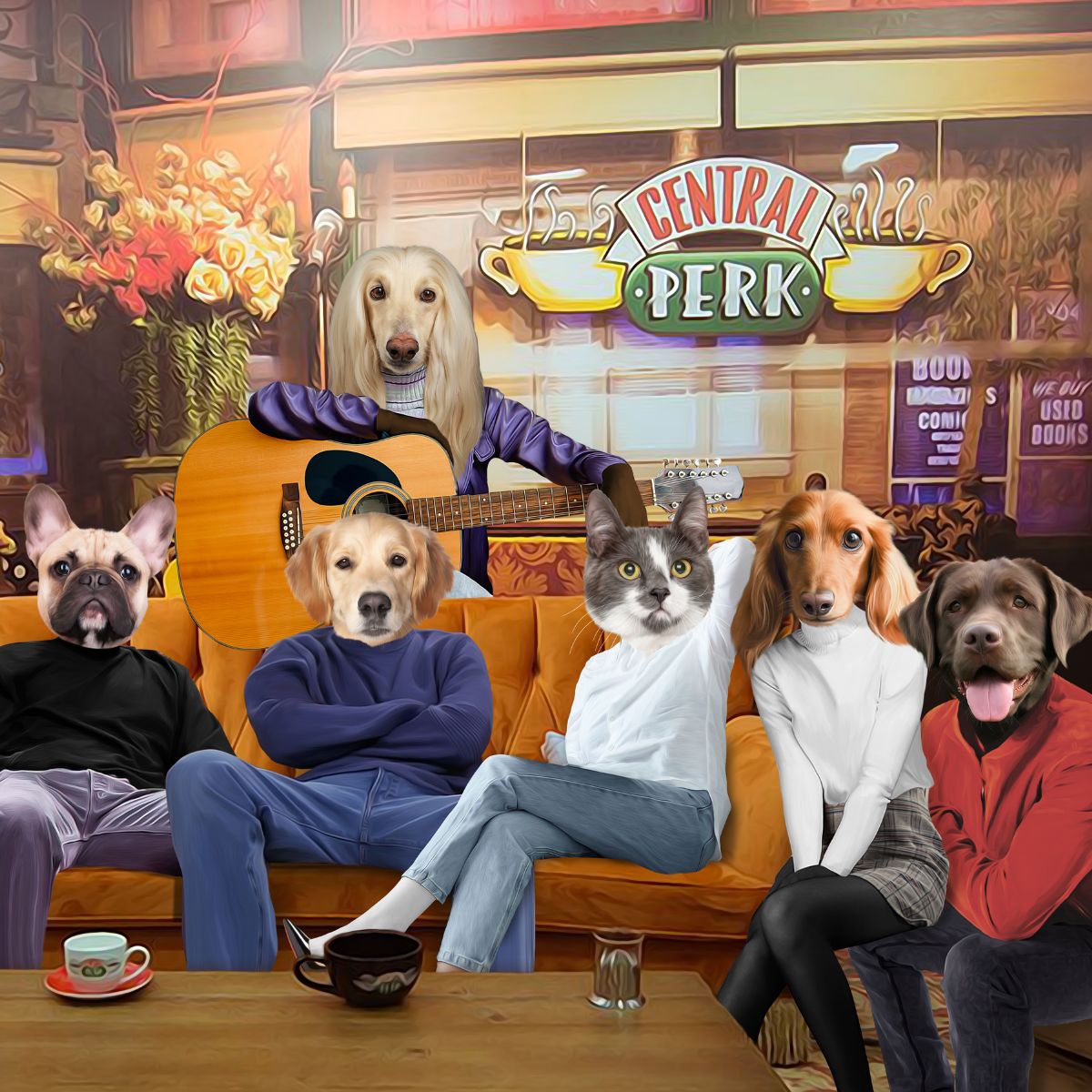
If you later want several pets in one artwork, separate source photographs may be useful. Our multi-pet portrait guide explains how to choose images that work well together.
Your most emotionally important photograph and your most technically useful portrait reference may be the same image, but they do not have to be.
Create a small โportrait optionsโ folder with images where the face, eyes, coat colour and distinctive features are easy to see. Then compare them using our guide to choosing the best existing photo for a pet portrait.
If your pet is black or very dark, the black dog and cat photo guide can help you judge whether enough facial detail is visible.
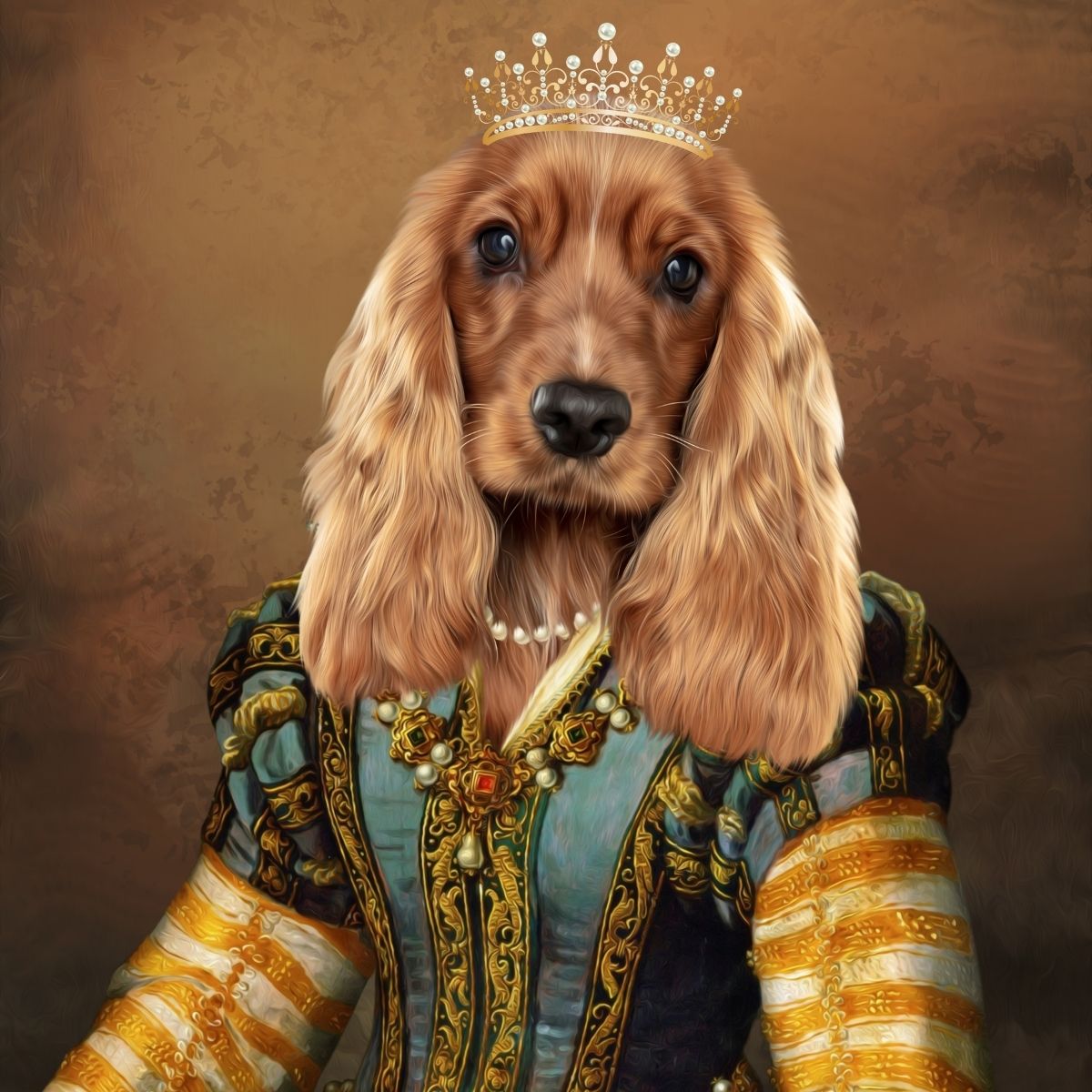
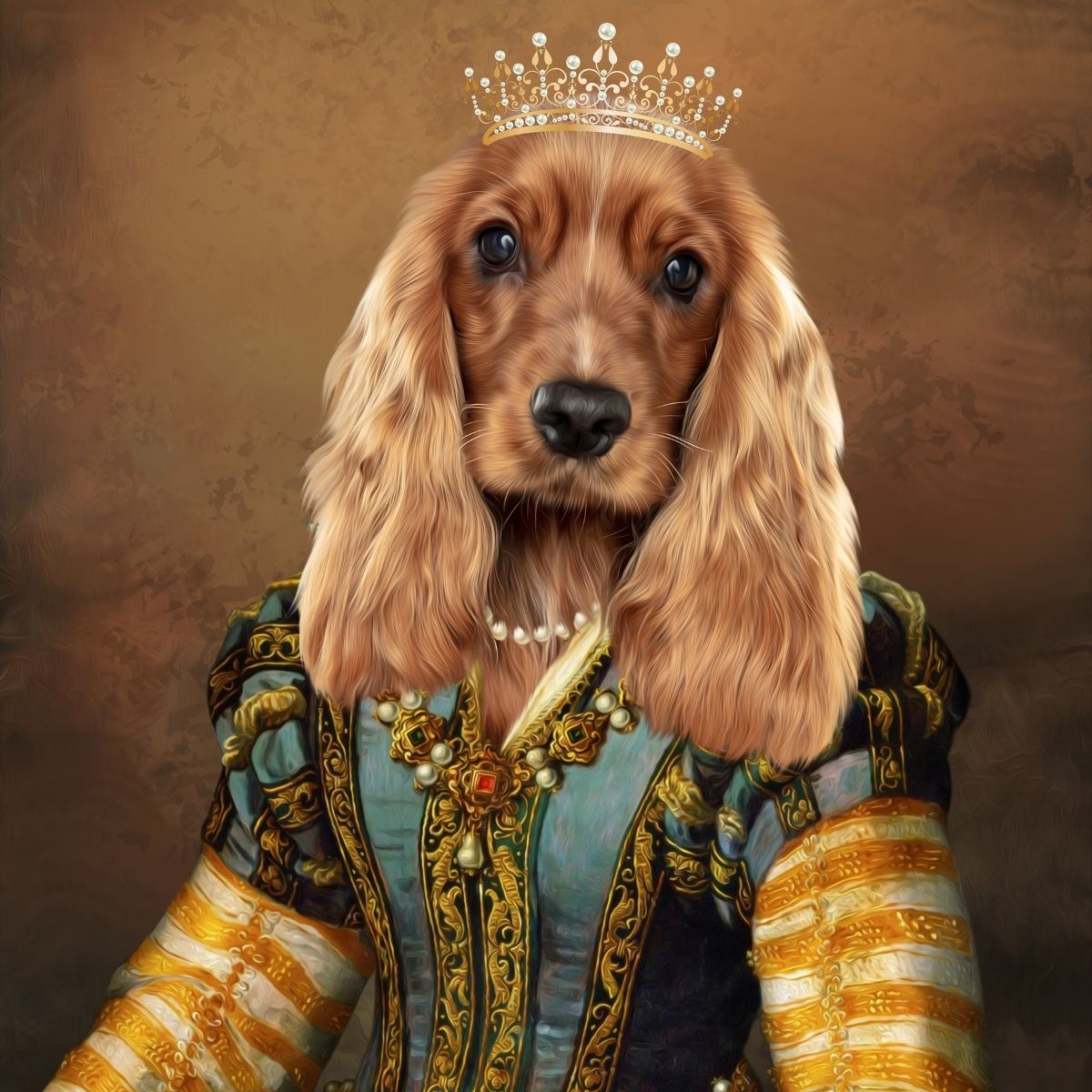
Once the archive is organised, choose whether any photograph deserves a physical life. That might mean printing a favourite, adding it to a family album or turning it into a personalised pet portrait.
There is no requirement to transform every memory into merchandise. Sometimes simply being able to find the photograph again is the entire victory.
Organising those images can feel very different from tidying everyday photographs. There is no need to complete the project in one sitting or remove duplicates immediately. Keep anything you are unsure about and return to it later if that feels easier.
If you eventually want a visible remembrance, browse pet memorial portraits or keep the archive digital. Neither choice is more correct.
Only if they are genuinely unwanted. A technically poor photograph can still record an expression, person or moment that no sharper image captured.
Do not start by sorting every image. First create a favourites folder and pull in the photographs you already know matter. You can refine the full archive gradually.
Sometimes. It depends on the amount of visible facial detail and compression. Keep the file, look for an original if one exists and use supporting images where necessary.
The main reference should clearly show the look you want captured, but additional photographs can be useful for confirming coat colour, markings or features not visible in the favourite image.
A pet photo archive does not need sophisticated software, decorative labels or a three-day productivity retreat. It needs the best images in a place you can actually find again. National Pet Day is as good a deadline as any for rescuing them from the camera-roll abyss.
Comments will be approved before showing up.
September 09, 2026 5 min read
WELCOME TO PAW & GLORY
Get up to 30% off
Join 30,000+ pet owners turning perfectly ordinary photos into gloriously over-the-top works of art.
โ โ โ โ โ 2,200+ Five-Star Reviews
Real Artists ยท Proof Before Print ยท Unlimited Artwork Revisions